SAP Landscape Explorer (Sankey View)
Add to
Sign In
Use Your LeanIX Workspace
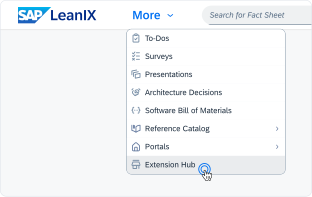
Click 'More' in the main navigation, then select 'Extension Hub'.
You will be signed in automatically.
Change Log
No version history available.
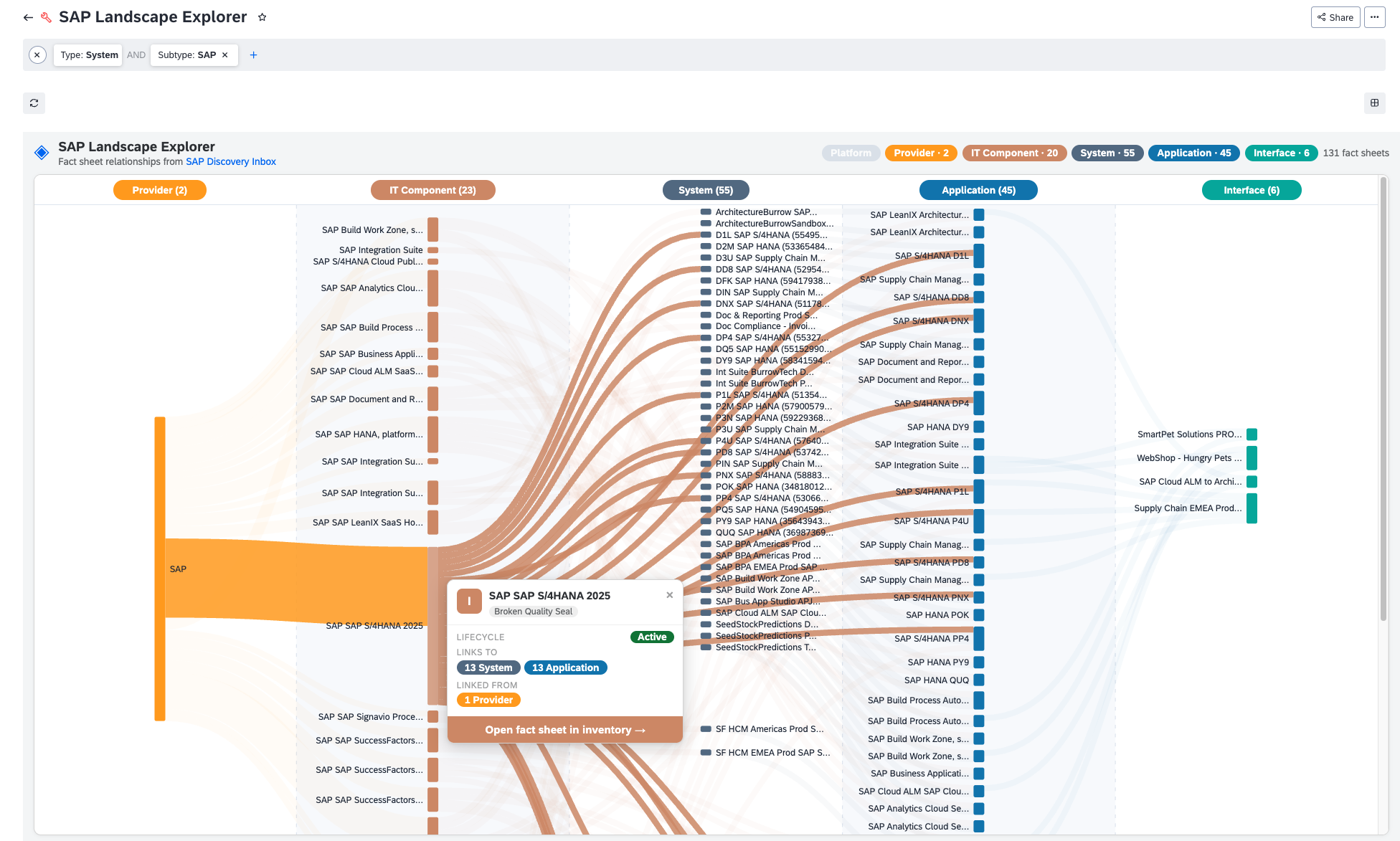
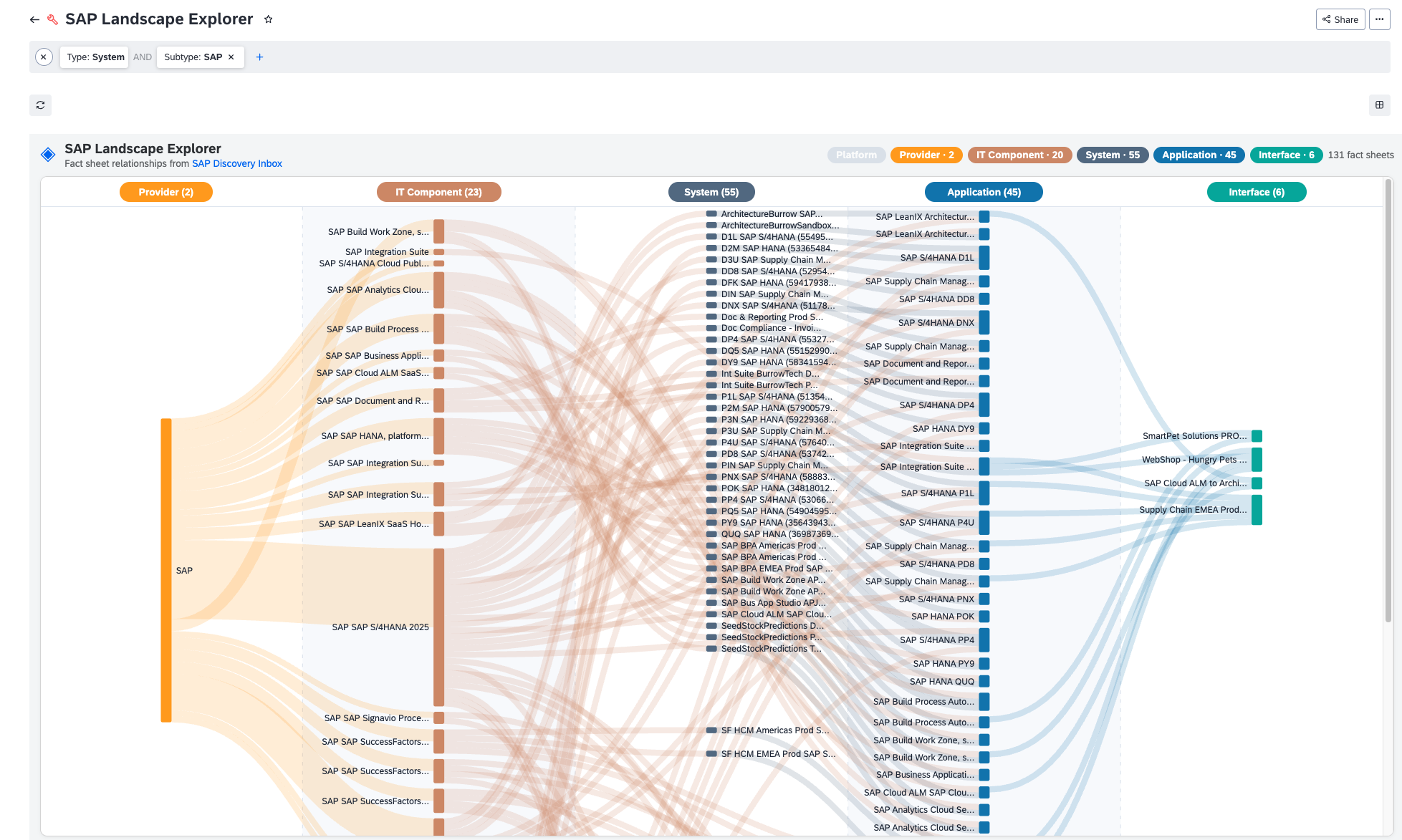
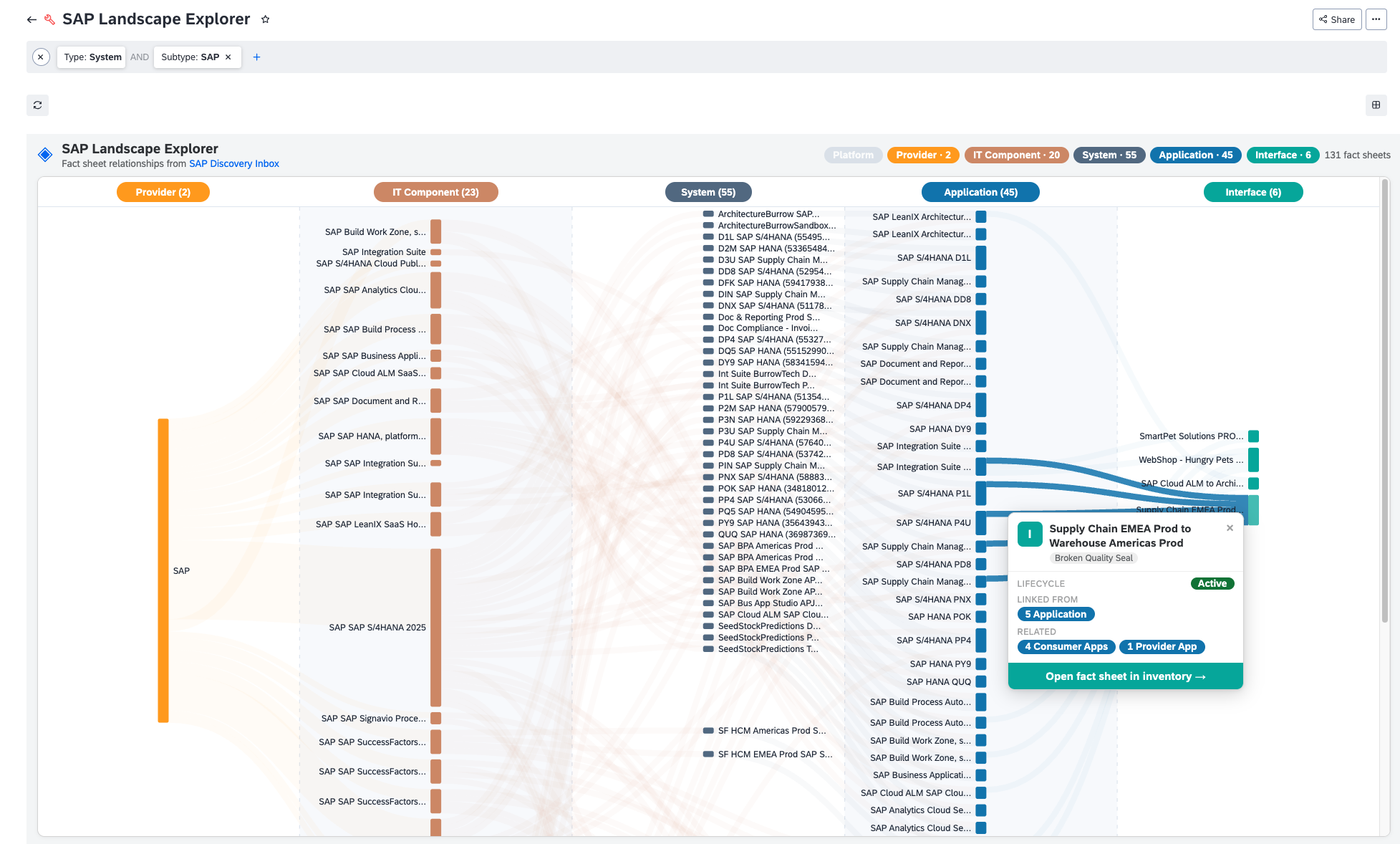
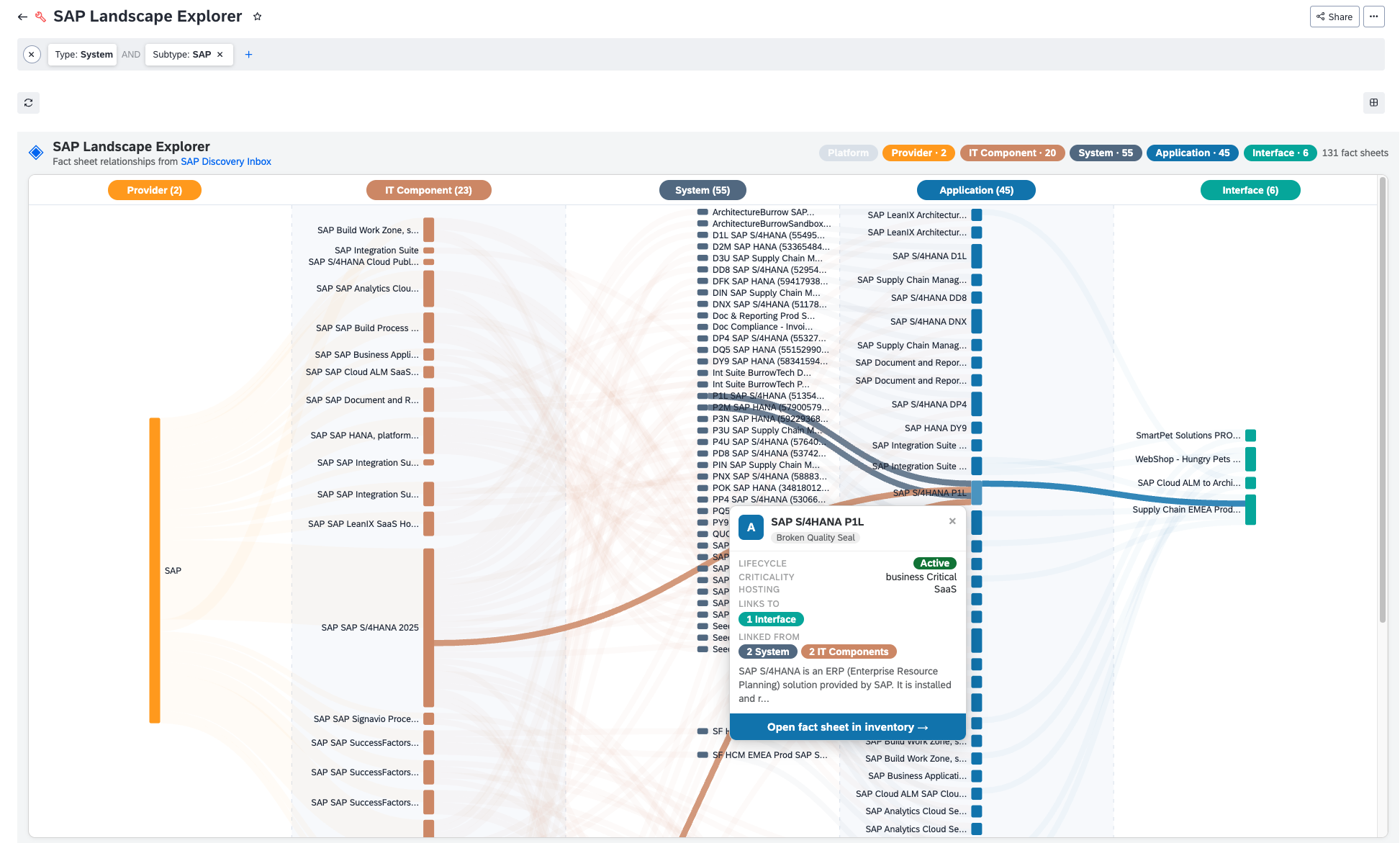
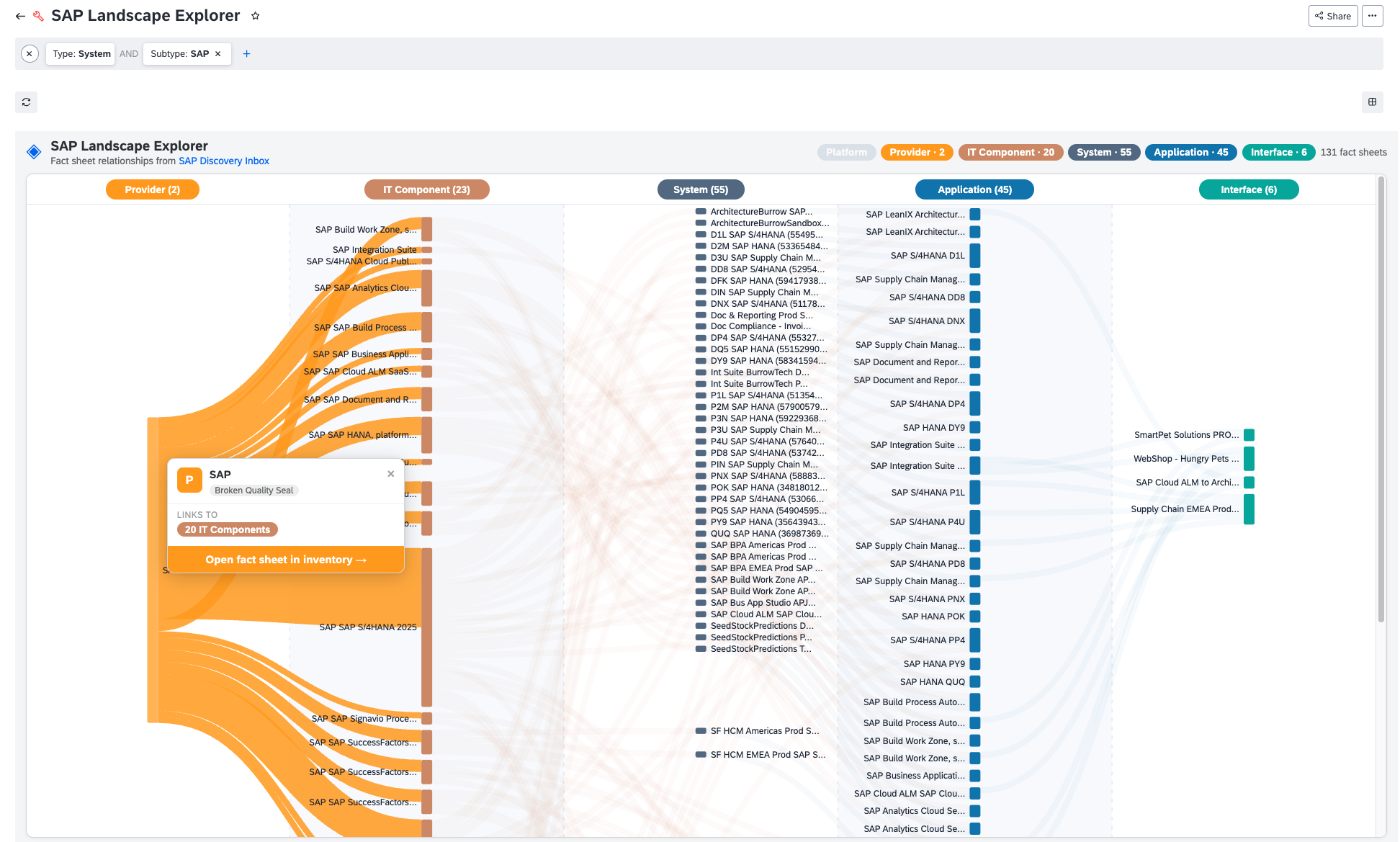
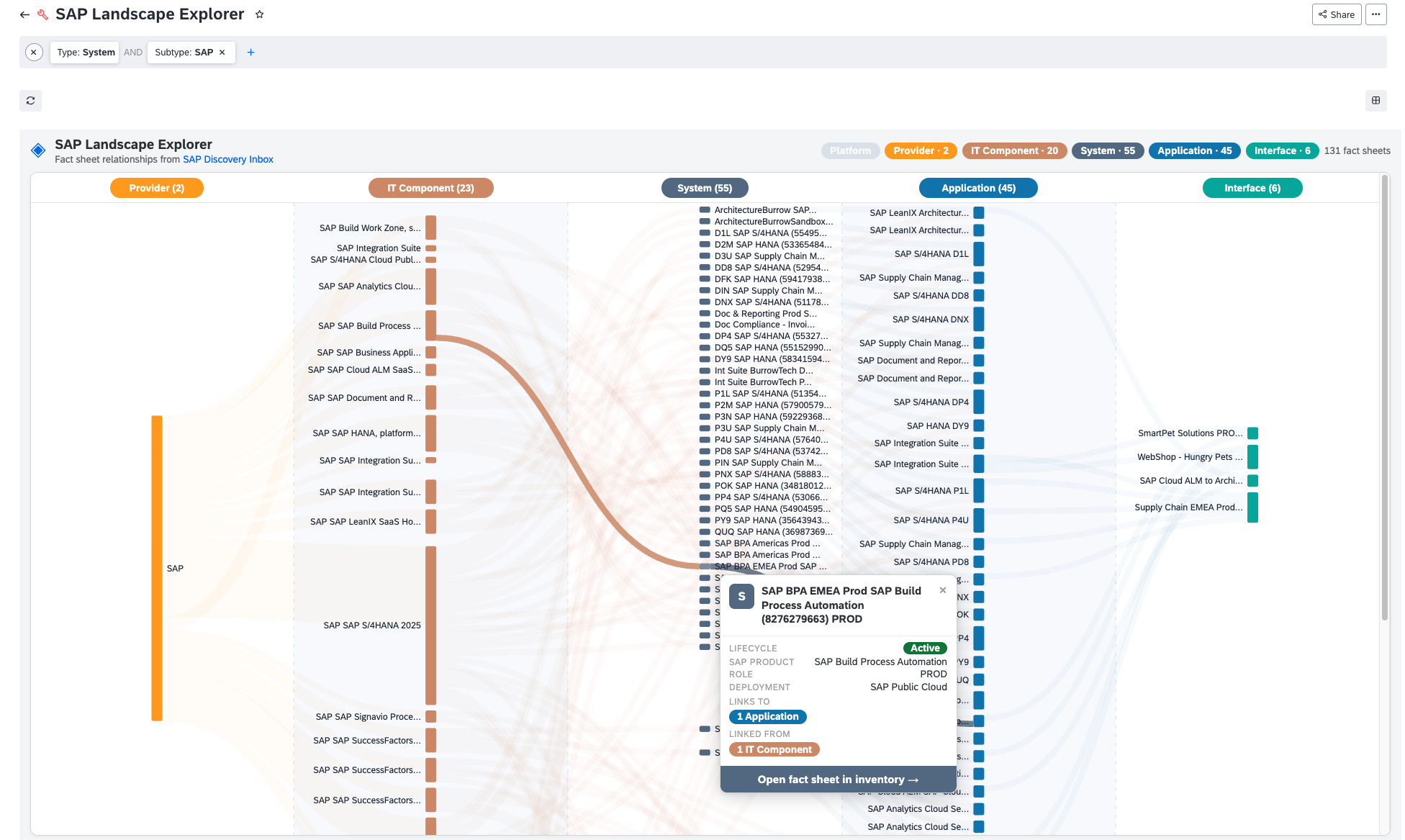
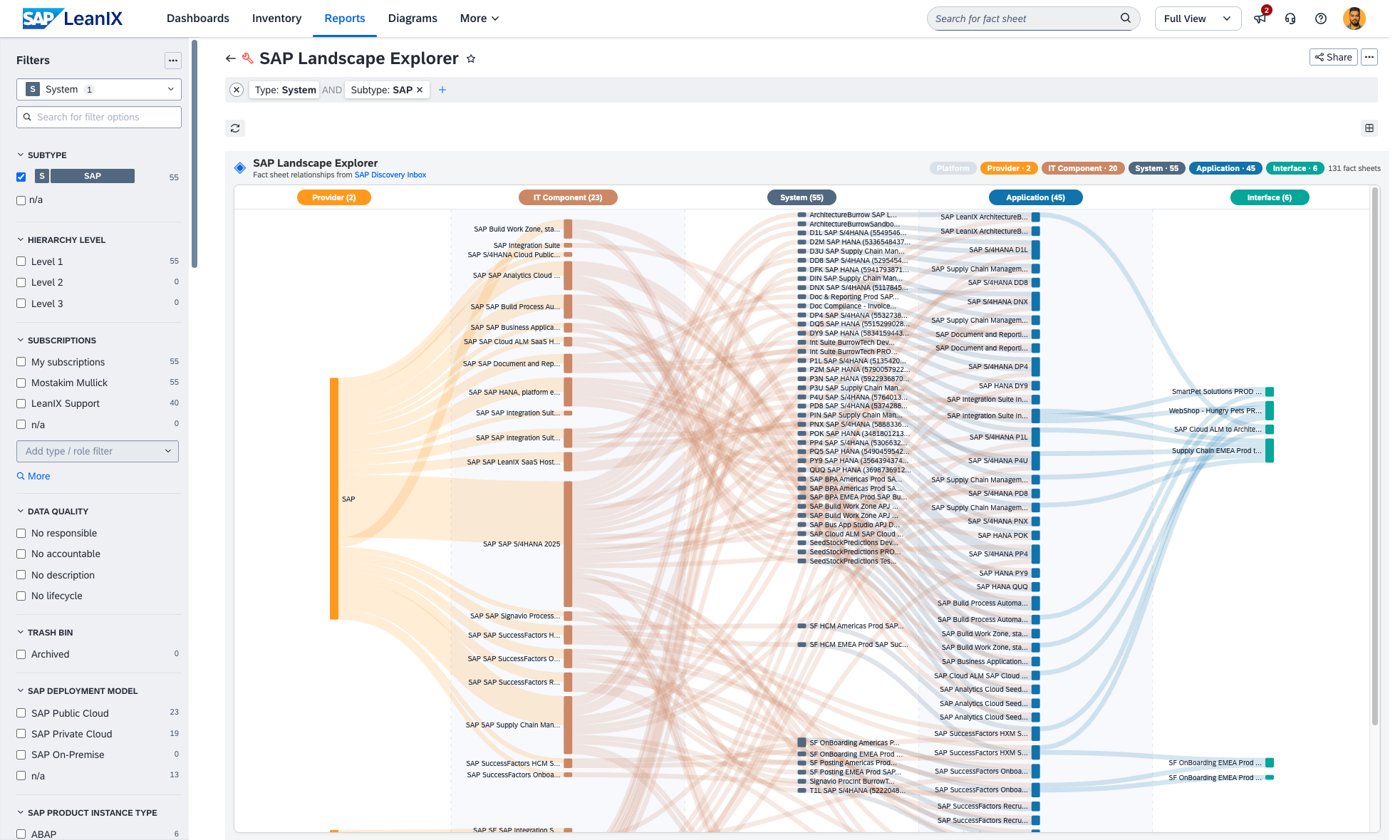
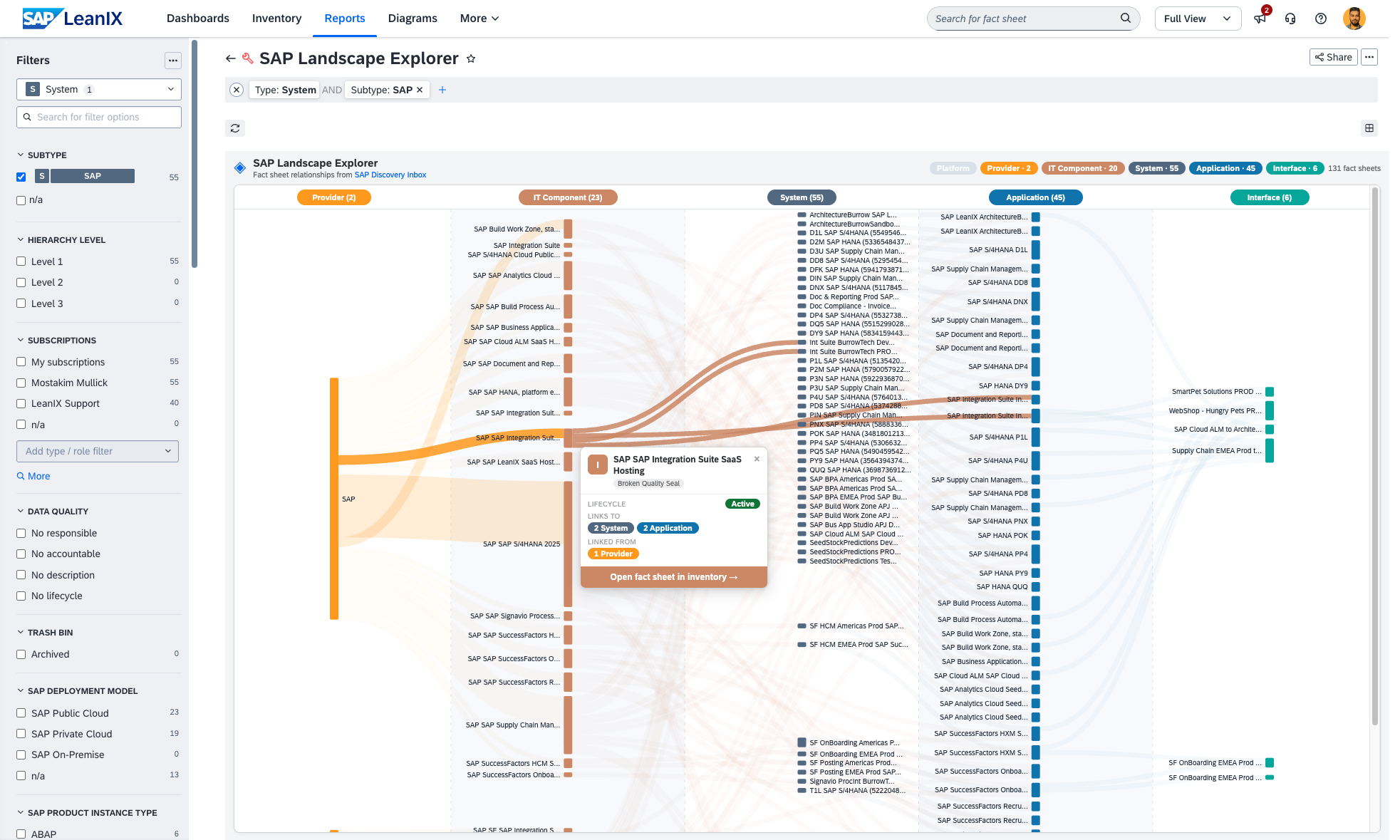
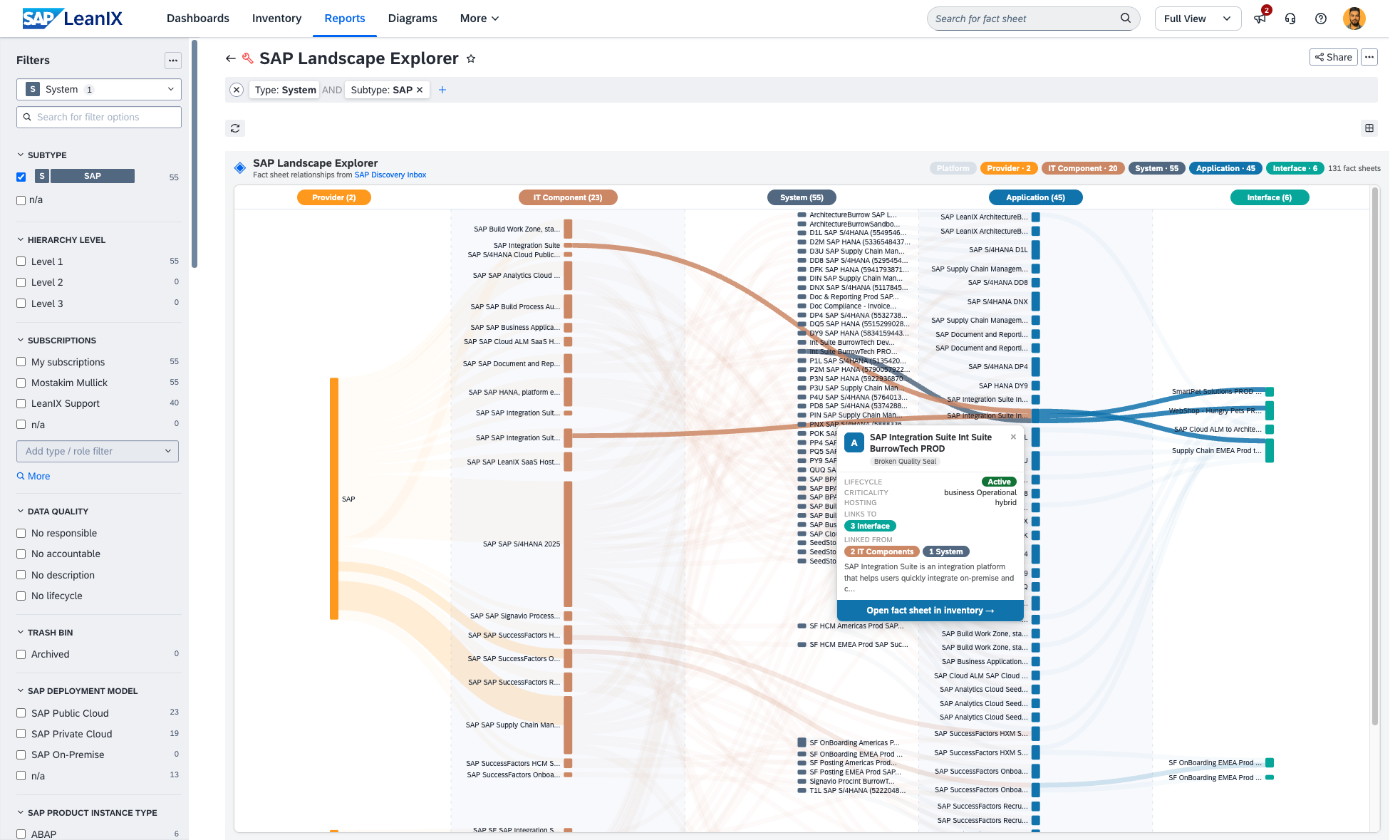
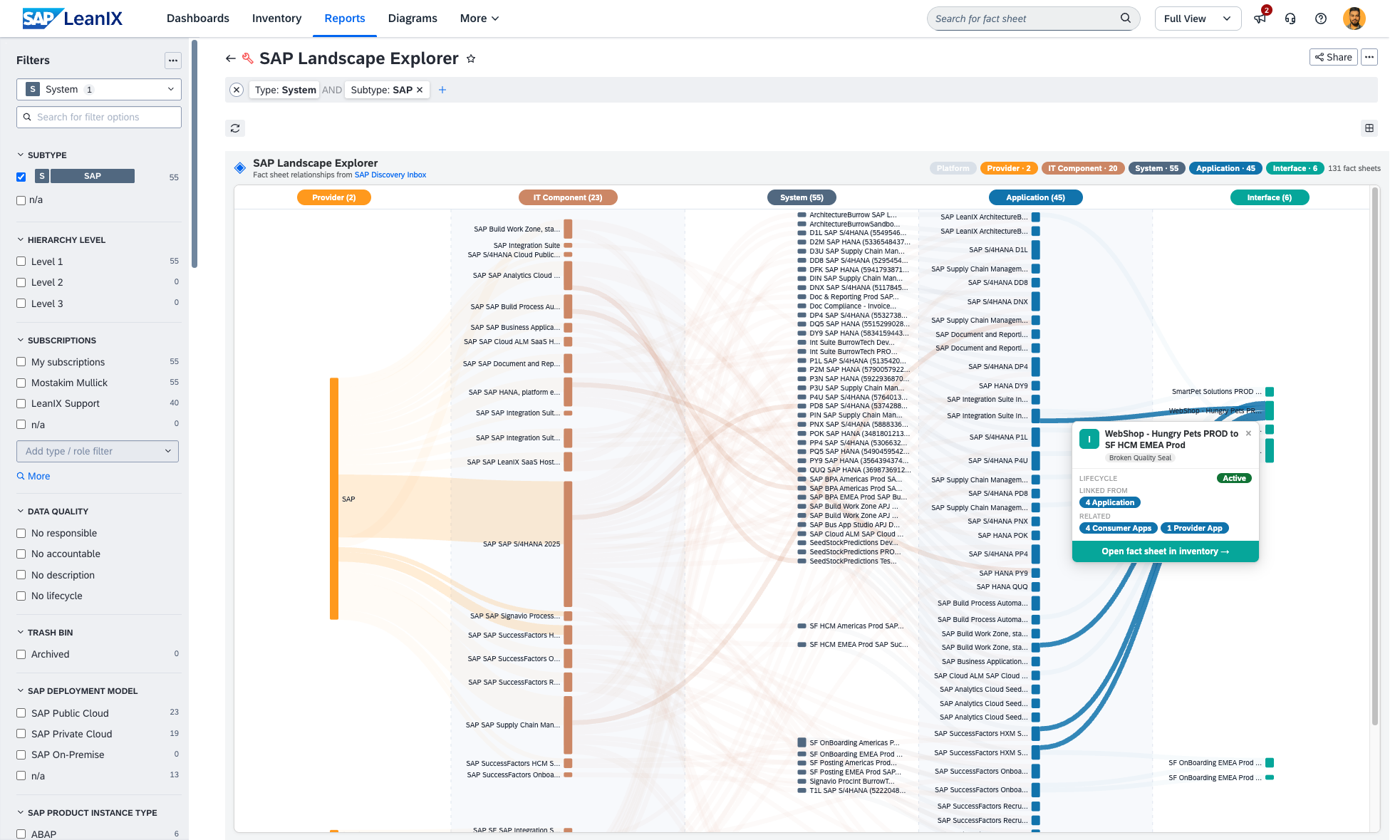
The SAP Landscape Explorer visualizes SAP Discovery inbox-related fact sheet relationships as an interactive Sankey diagram. It shows how your SAP systems connect across 5 other fact sheet types: Platform, Provider, IT Component, Application, and Interface. The diagram is built at runtime from your live workspace data with no manual configuration needed. Use the left-panel filters to focus on specific systems by deployment model, environment, lifecycle, or tag.
Details
- Open the report from the Reports section in your workspace.
- The diagram loads automatically, showing all SAP Discovery fact sheets and their relationships.
- Use the left-panel filters to narrow down by deployment model, environment tag, lifecycle, or SAP product line.
- Hover any node to highlight all its connected upstream and downstream flows.
- Click a node to pin a detail card showing lifecycle, SAP product, system role, deployment model, and an Open in inventory button.
- SAP LeanIX workspace with SAP Discovery data
- System meta-model extension enabled
- Admin or read access to the workspace
Disclaimer
This report is provided for informational purposes only. It performs read-only operations on your SAP LeanIX workspace data. The author accepts no liability for any decisions made based on the visualizations produced by this report. This report dynamically queries your workspace on load. In workspaces with a large number of fact sheets, initial loading may take a few moments.